BiPOSla · RESTAURANT & CAFE POS
BiPOSla
Cloud POS for restaurants & cafes
Tables, orders, kitchen, stock, staff and reports — one panel. Multi-tenant SaaS with QR menu and a live demo ready for clients.
POS
Salon
QR
Menü
KDS
Mutfak
SaaS
Multi-tenant
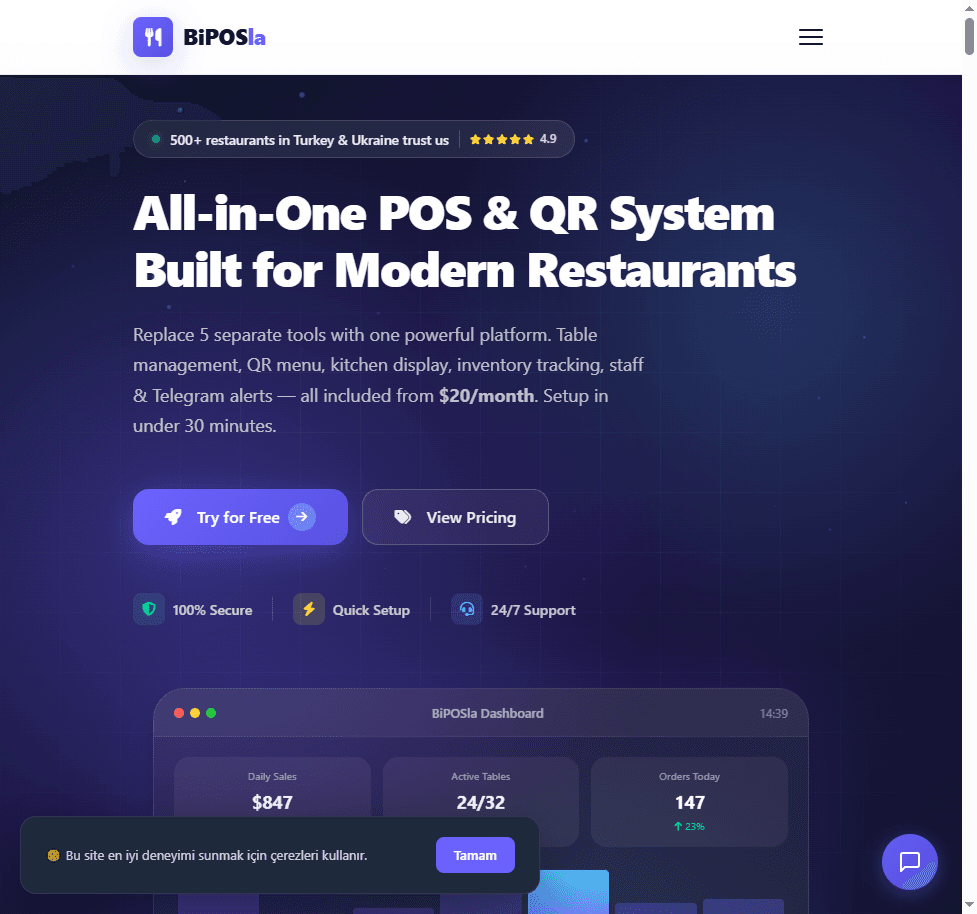
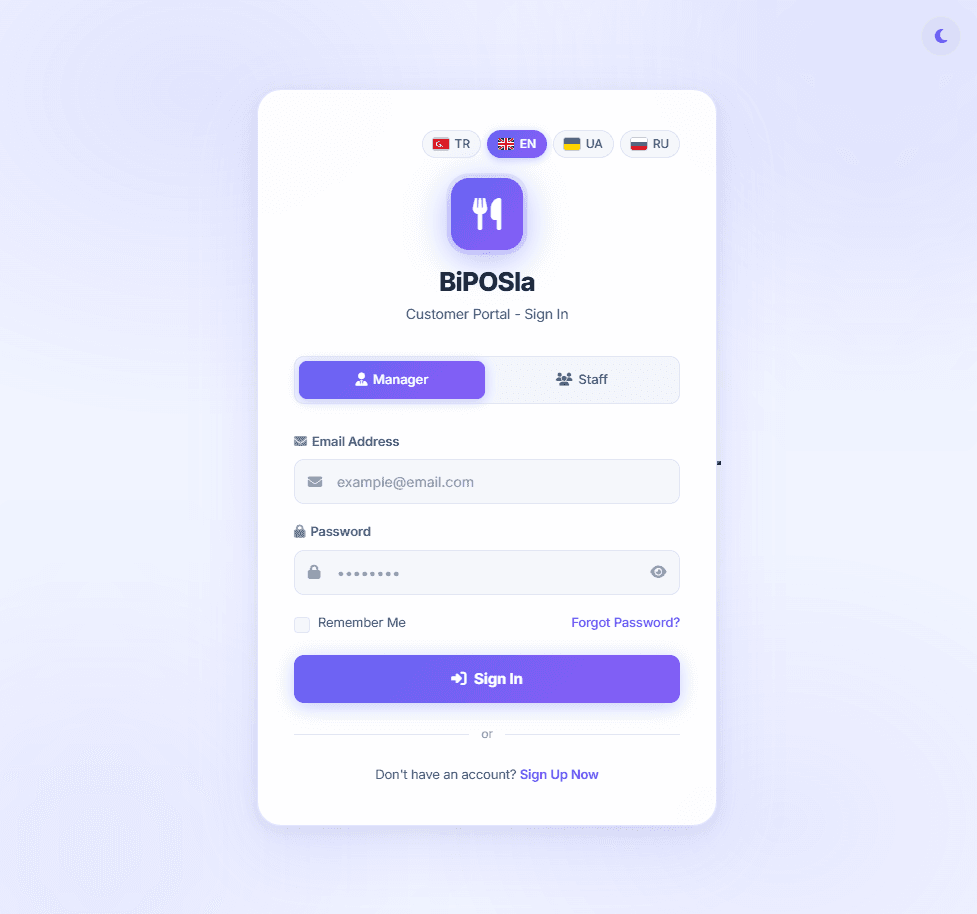
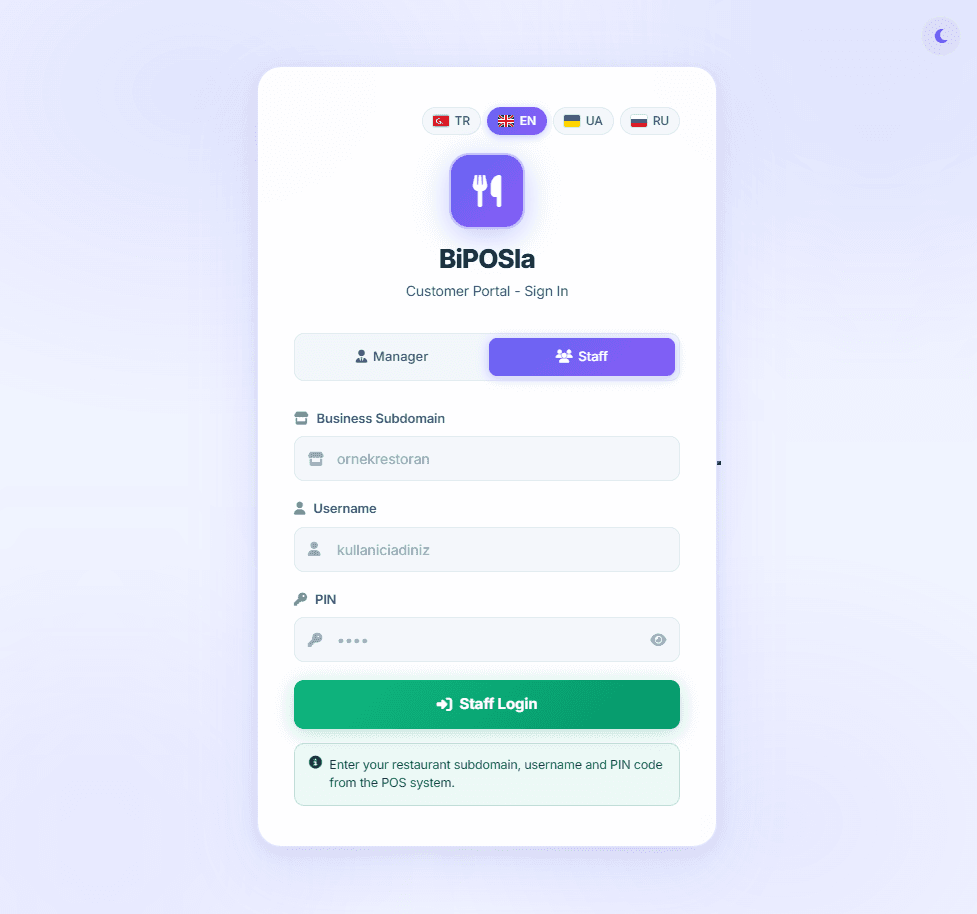
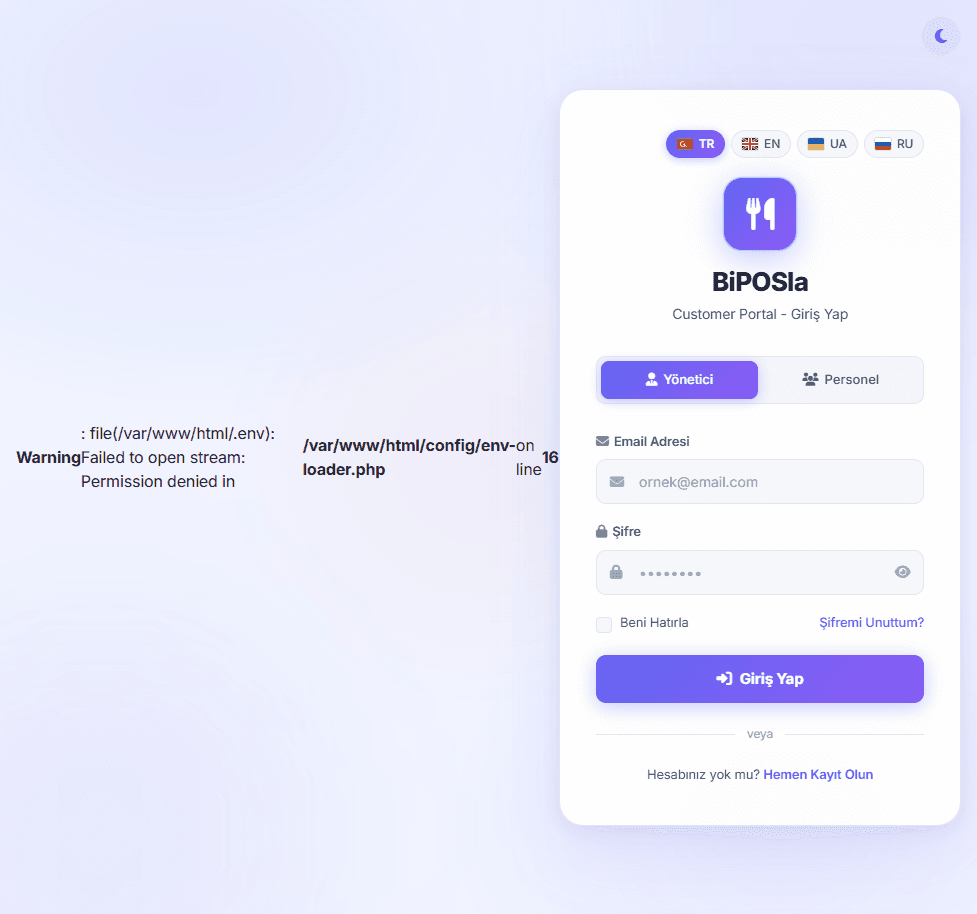
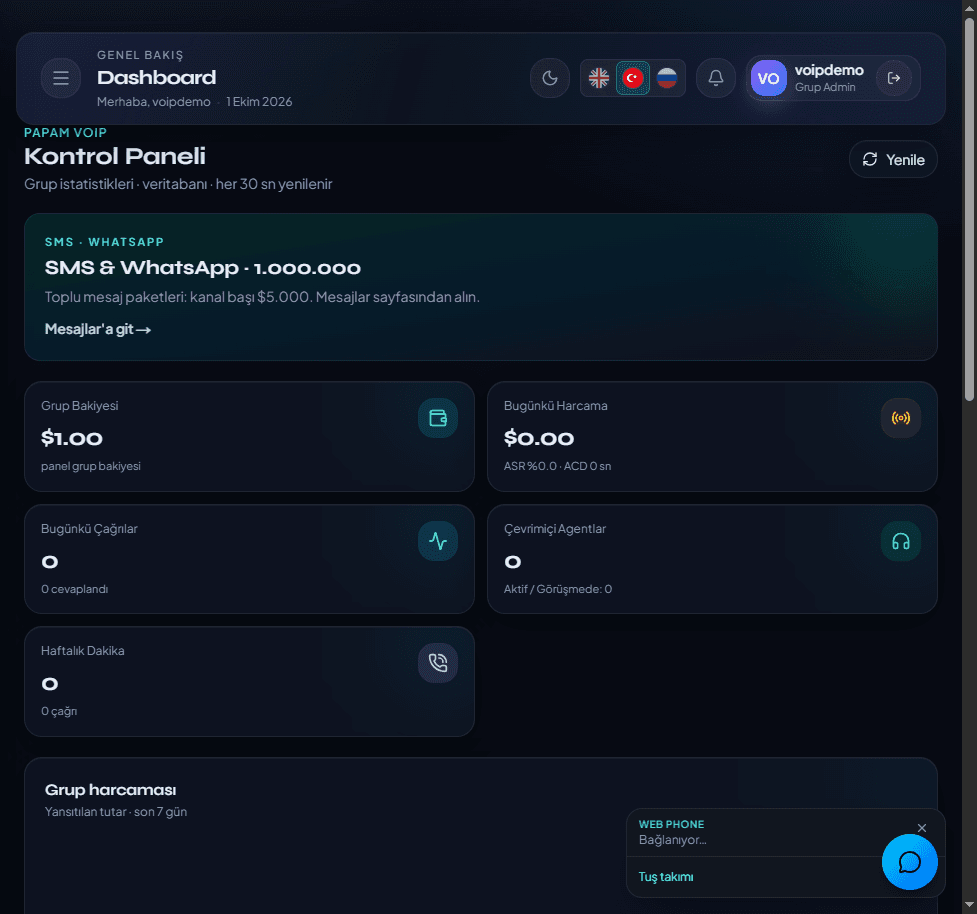
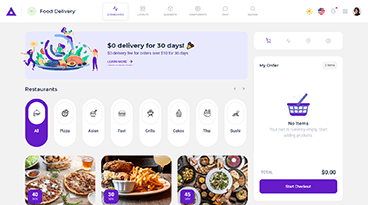
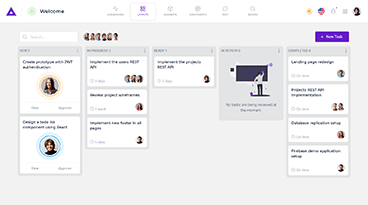
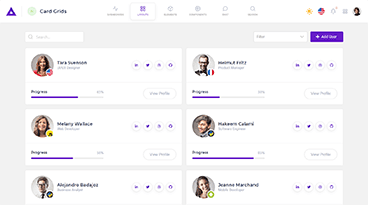
Screenshots · Live system
Login, panel and floor screens
Captured from demo.biposla.vip: marketing, manager/staff login, dashboard, kitchen and menu.
01 — Audience
Who is it for?
From a single cafe to a restaurant chain.
Restaurant
Floor plan, waiter tablets, kitchen printers, bills.
Cafe / Bakery
Fast tickets, stock deduction, end-of-day cash.
Bar / Lounge
Bar screen, recipes, open tabs, merge tables.
Chains
Multi-tenant: manage branches from one master panel.
02 — Platform
What does it do?
Faster floor ops, fewer mistakes, clearer revenue.
01
Tables & orders
Floor plan, table status, split bills.
02
QR menu / ordering
Guests scan, browse menu, order contactless.
03
Kitchen & bar
KDS / printers — tickets land instantly.
04
Stock & menu
Products, categories, recipes, low-stock alerts.
05
Staff & roles
Admin, manager, waiter, kitchen, bar.
06
Reports & cash
Daily sales, payment types, VAT, periods.
07
Multi-currency
TRY, USD, EUR, UAH… country pricing.
08
Telegram alerts
Order and ops notifications.
Live demo
Try the panel now
demo.biposla.vip — floor POS, kitchen and admin. biposla.vip — product site.
03 — Modules
Modules
Floor to kitchen, cashier to reports.
01
Floor POS
Pick table → add items → take payment.
02
Kitchen (KDS)
Queued tickets with live status.
03
Guest menu
QR menu with images and languages.
04
Admin panel
Menu, stock, staff, printers, tenants.
05
Printers
Kitchen, bar and receipt printers.
06
Subscriptions
SaaS billing and multi-business management.
04 — Roles
Roles & access
Everyone sees only what they need.
Admin
Full system and tenant control.
Manager
Branch settings, reports, menu, staff.
Waiter
Tables and orders only.
Kitchen / Bar
Prepare and complete tickets.
05 — Process
How we start
Demo → setup → training → go-live.
- 01
See the demo
Explore demo.biposla.vip.
- 02
Define the venue
Branches, tables, menu, printers.
- 03
Setup
Tenant, menu load, staff training.
- 04
Go live
We stay for day one.
Let’s set up BiPOSla for you
We’ll open a demo and walk through it together.